Why there is no card
The first question most parents ask after reading the table is some version of "what is the catch". It is a fair question, so here is the reasoning in the order we actually went through it.
A monitoring app that charges a monthly fee has an incentive to keep you anxious. The renewal depends on you still feeling that something might be going on. That incentive leaks into the product in small ways: alert settings that default to loud, dashboards that surface the most worrying thing first, emails that arrive at bedtime. We have watched that happen to tools we used ourselves, and we did not want to build the same pressure into a Today page whose honest state, most days, is empty.
A card also changes who can use the product. Parents in the households that most need a sensible screen-time budget are often the ones least able to add another £8 a month to the pile of subscriptions. A parent who has just found out their eleven-year-old has a group chat full of strangers should not be asked for a card number before the website filter switches on. So the features that deal with those situations, which is to say the free core, carry no clock at all.
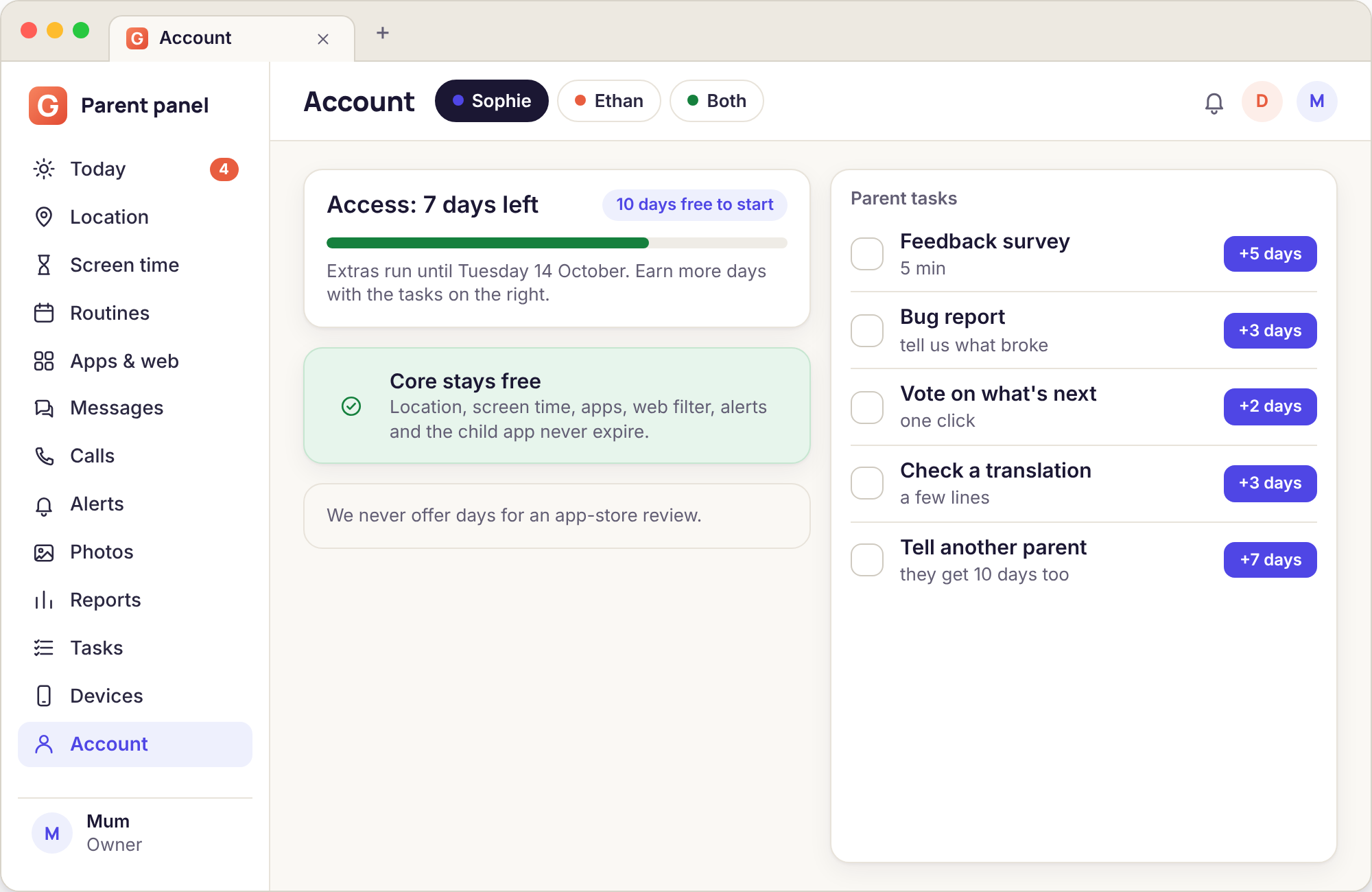
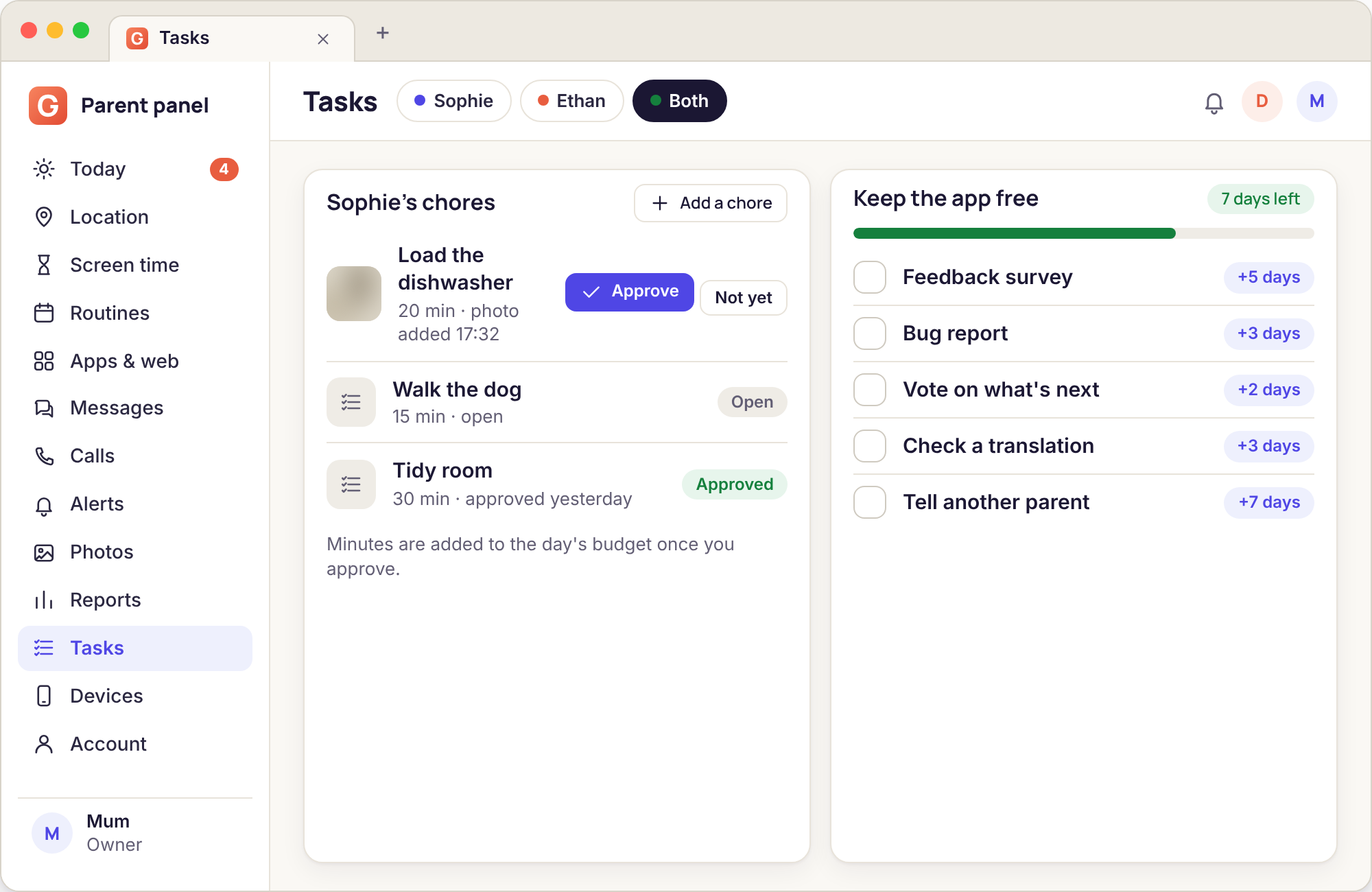
What we needed instead was a way to pay for servers, for keeping the keyword lists current, and for the people who answer help@ in the evening. The answer was to ask parents for the things a small product is short of and money cannot easily buy: honest feedback, bug reports with a screenshot attached, a vote on which feature to build next, a translation checked by someone who actually speaks the language, and a recommendation to another parent who would not otherwise have heard of us. Those are the tasks. There is nothing else behind the curtain, and there is no paid tier waiting for the day we change our minds.
The rule we wrote down on the first day still holds: no card, no subscription, no paid tier, and never a task that asks you to leave a review on an app store. A review you were rewarded for is not a review, and we would rather have fewer of them.
What the 10 free days are for
A new account gets 10 days with everything switched on, including the advanced tools, before any task is needed. The point is not to give you a taste and then take it away. It is to let you find out, with your own child's phone, which of the extras you actually want.
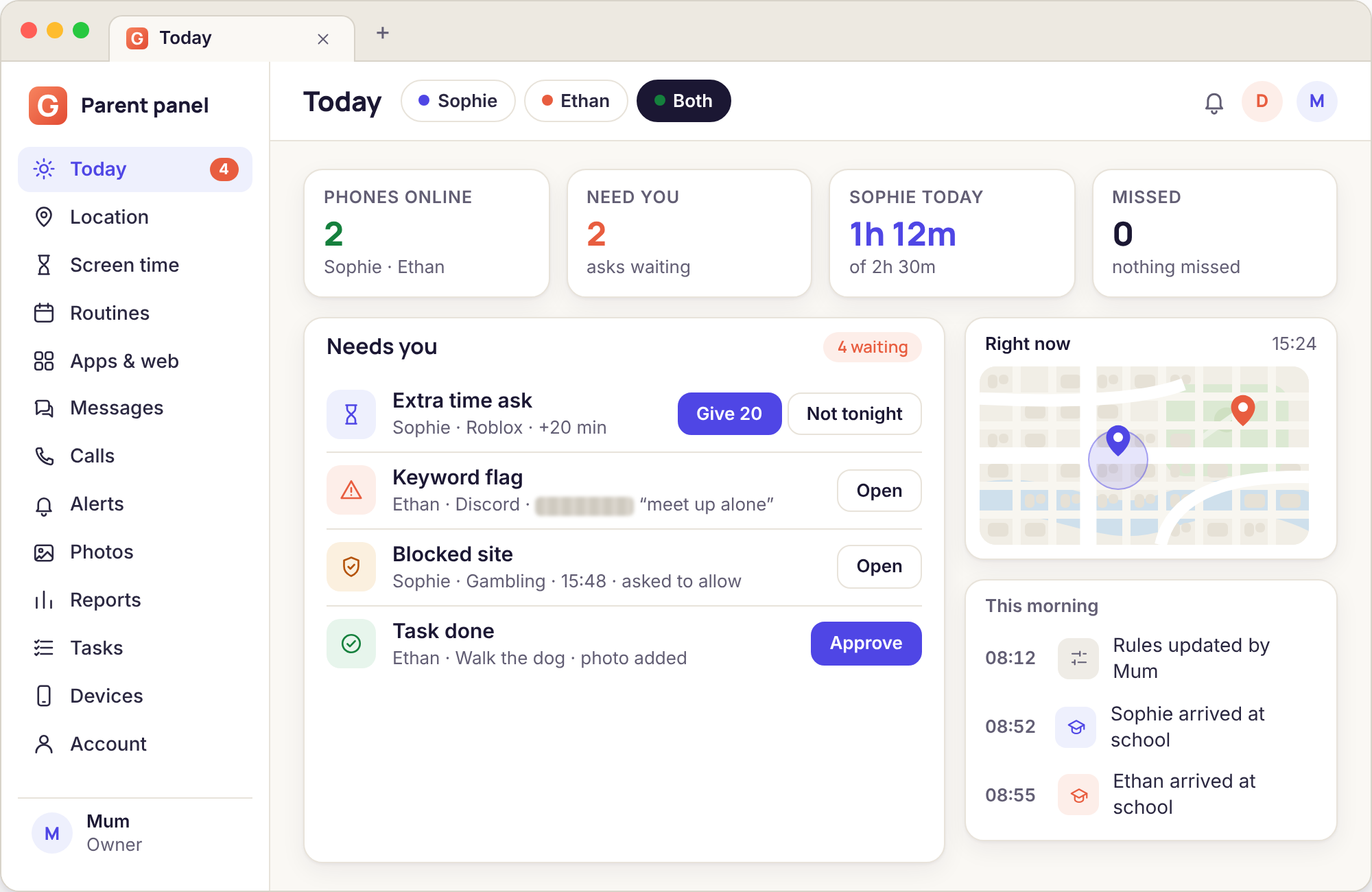
Here is how it tends to go. You pair the phone on a Saturday morning and set one rule, perhaps a weekday budget of two hours. By Wednesday the budget has run out twice and your son has asked for more time once, with the reason "finishing a build", and you have given him twenty minutes. You have not opened the Photos page. You have looked at the call log on Tuesday evening because an unknown number rang three times, discovered it was a friend's new phone, and closed it again. On Sunday the weekly report arrives and the only thing in it you did not already know is that YouTube took more of the budget than games.
At that point you know something useful: your household needs the free core and nothing else. Most families land there. The 10 days let you reach that conclusion with evidence rather than guesswork, and when they end nothing you are using switches off.
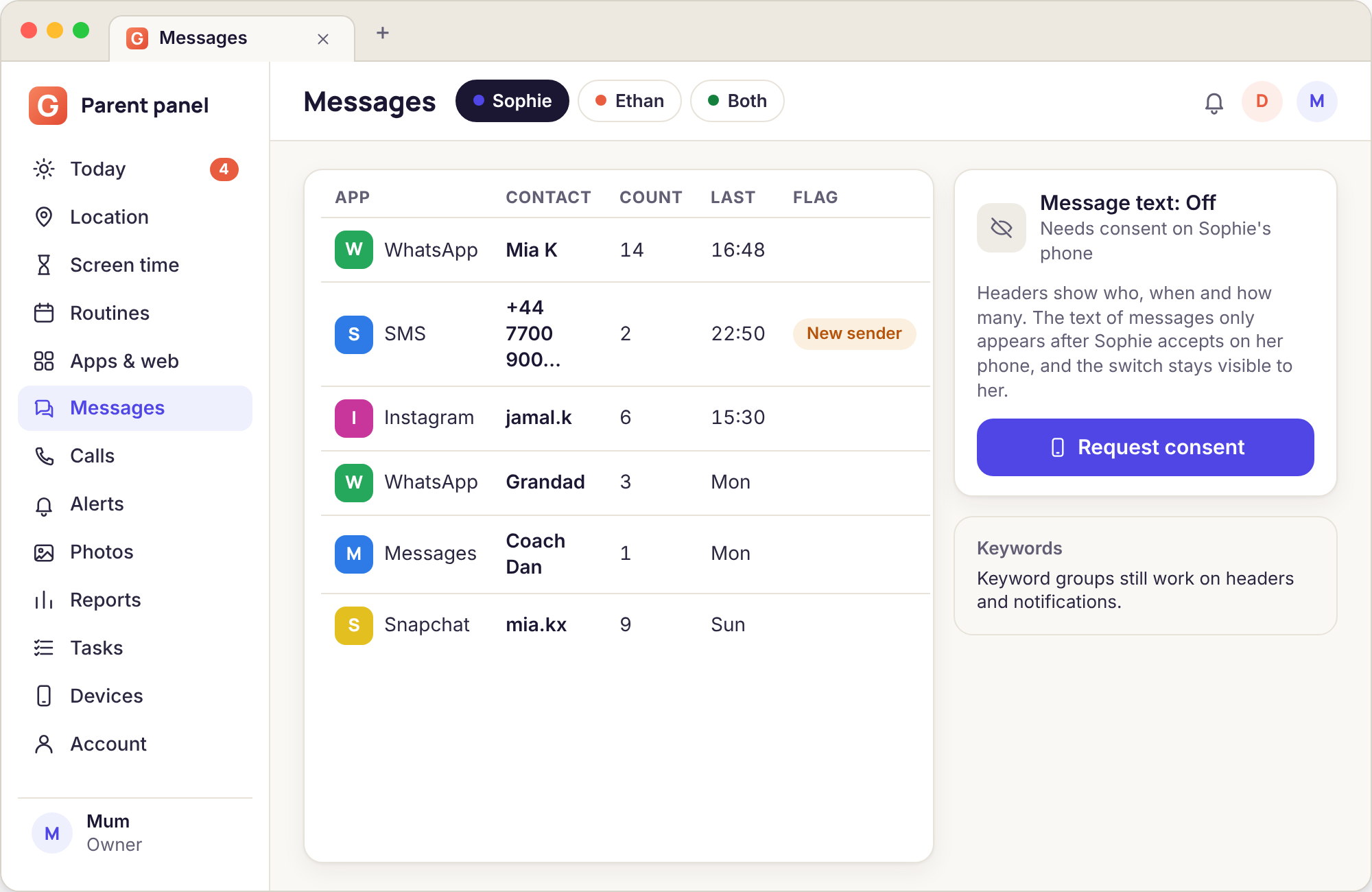
Some families reach a different conclusion. A parent whose daughter has been contacted by an adult she met in a game wants message bodies, not just headers, for a few weeks. A parent whose son keeps taking the phone to bed wants to know whether the camera is being used at 1 a.m. For those families the 10 days are the period in which the consent conversation happens, the switch is accepted on the phone, and the parent sees whether the tool answers the worry. If it does, a task keeps it; if it does not, they let it lapse.