Free parental monitoring, and here is exactly what “free” means
Most “free phone tracker” pages hide a subscription two clicks away. This one does not. GuestSpy is completely free — no card, no subscription, no auto-renew, no paid premium tier. You start with full access, and you keep it going by completing simple tasks instead of paying a bill. This page lays out the whole deal, including where the honest limits are.
No subscription
Free parental control core
The short version: GuestSpy costs nothing in money, now or later. The everyday safety features are free forever. To top up your access when it runs low, and to unlock the advanced tools, you do small favours instead of paying — a review, a referral, a bit of feedback, a bug report. It is a different model from a subscription, and it only works if we are honest about it. So here is the whole thing.
What is free forever, and what tasks unlock
There is no paywall in the middle of this — nothing that charges a card, because there is no card. The split is simpler than a pricing tier: a set of features that is free for good, and a set you unlock by completing tasks. Here they are side by side.
| Free forever | Unlock with tasks | |
|---|---|---|
| Location & Places | Yes — live location, history, arrive/leave alerts | Already free |
| Screen time | Yes — the daily minute budget, enforced on the phone | Already free |
| App limits & website filter | Yes — per-app limits, blocking, content filter | Already free |
| Alerts & keyword flags | Yes — the “Needs you” feed | Already free |
| Remote camera | — | Unlocked by completing a task |
| Ambient audio & call recording | — | Unlocked by completing a task |
| Keylogger | — | Unlocked by completing a task (and consent-gated) |
| More days when access runs low | Core keeps running | Added after a task is checked |
| Credit card | Never | Never |
| Subscription / auto-renew | None | None |
| Child devices | Unlimited | Unlimited |
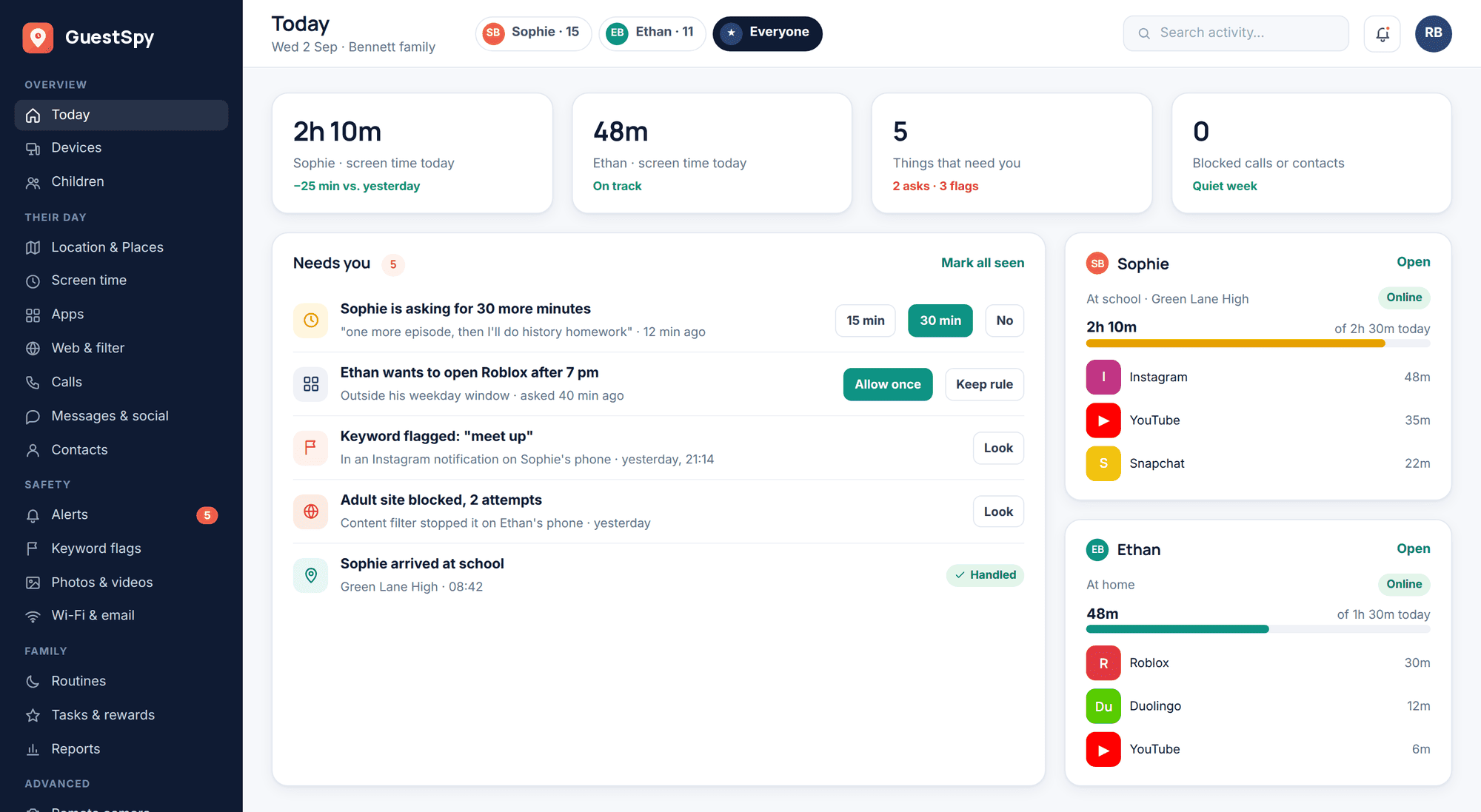
Read the left column first, because it is the one that matters most. Location, screen time, app limits, the website filter, and alerts stay free the whole time. That is the everyday safety net — knowing where the phone is, holding a bedtime, keeping the worst of the web out. It does not expire, and no task is needed to keep it. The tasks are for topping up your days when they run low and for the advanced tools most families never turn on.
How tasks work, and what they unlock
You do not enter a card. When your access runs low or has expired, or when you want one of the advanced tools, you complete a simple task and it is applied after a quick check. The tasks are small and genuinely useful to us, which is the honest reason they are worth something.
Share an honest review
Leave a real review of GuestSpy where other parents will read it. Good or critical — an honest review is what helps.
Refer a friend
Point another parent to the app. When they sign up, the reward is applied to your account after a quick check.
Feedback or a translation
Tell us what is missing or confusing, or help translate a screen into your language. Feedback that improves the product counts.
Report a bug
Found something broken? A clear bug report with steps is worth real time — it makes the app better for every family using it.
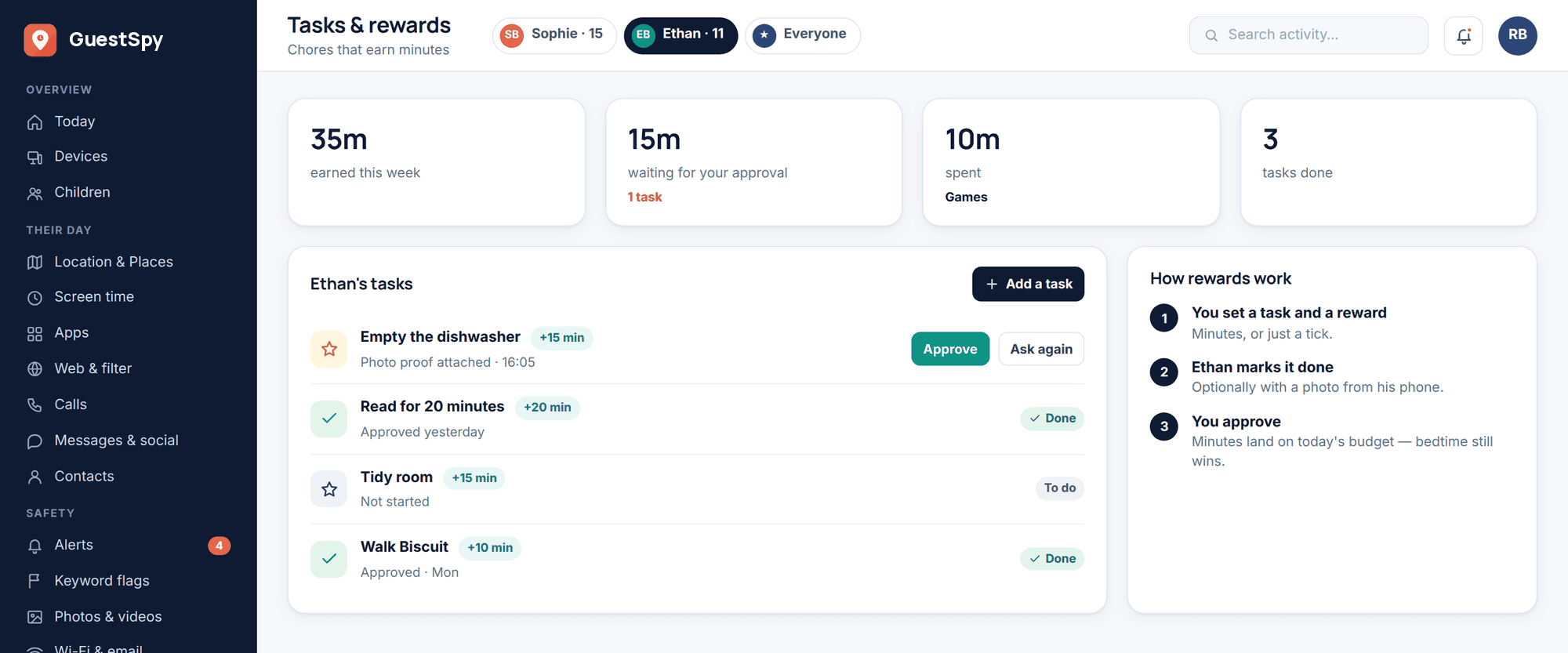
Each completed task unlocks two kinds of thing: more days when your access is running low or has expired, and the advanced features — remote camera, ambient audio, call recording, and the keylogger. You choose which you want. And all the while, the free core keeps running underneath, so even if you never get round to a task, the safety features that matter most do not switch off. The full breakdown of what earns what lives on the tasks and rewards page.
Why it is free, and what the catch is not
Fair question — free tools make people suspicious, and they should. So here is the plain answer. Reviews, referrals, feedback, and bug reports are worth real money to a young product: they bring new parents in and make the app better. Letting you pay with those instead of cash is a trade that works for both sides, and it keeps the door open for families who cannot or would rather not add another subscription to the pile. That is the whole reason it is free. No trick underneath it.
Now the part that matters more — what the catch is not. There is no subscription waiting to start. There is no card on file to forget about. Nothing auto-renews, because there is nothing to renew. There is no locked premium tier holding your child’s safety hostage — the everyday guard is in the free column and stays there. And we are not selling your child’s data to make up the difference. The app is a family safety tool, and the whole design — the visible app, the Transparency screen, the consent switches — depends on trust we are not about to trade away. Your data is never sold.
- No subscription, ever — there is nothing to cancel
- No credit card to start, and none to keep going
- No auto-renew and no surprise charge
- No premium tier gating your child’s safety
- Nothing sold, and your data is never sold
Pricing questions, answered honestly
Is GuestSpy really free?
Yes. There is no card and no subscription. The core parental control — location, screen time, app limits, the website filter, and alerts — is free forever. You complete simple tasks to add more days when your access runs low and to unlock the advanced tools. That is the whole cost: a bit of your help instead of money.
Will I ever be charged?
No. There is no card on file, so nothing can be charged. Nothing auto-renews because there is nothing to renew. If your access runs low, you either complete a simple task to add more days or carry on with the free core. Money never enters the picture.
What happens if I do not complete any tasks?
The advanced tools stay locked and your extra days are not topped up, but the free core keeps working — location, screen time, app limits, the website filter, and alerts. You are never left with nothing, and you can complete a task at any time to unlock the rest. There is no lockout of your child’s basic safety.
Which features need a task to unlock?
The advanced ones: remote camera, ambient audio, call recording, and the keylogger. Everything in the everyday safety set is free without any task. The advanced tools also carry heavier consent and transparency requirements, which is another reason they sit behind a deliberate step.
Is there a premium or paid tier I am missing?
No. There is no premium plan and no money version hiding better features. What you unlock with tasks is the same product — you are adding time and switching on the advanced tools, not buying a different, better edition. See the tasks and rewards page for exactly what each task gives you.
How many child devices can I add?
As many as you like — child devices are unlimited on one account, free core included. A three-child household costs the same as a one-child household, which is to say nothing. Ready to try it? Get started free.